
Flipgrid for Free: How to Keep Video Discussions Going
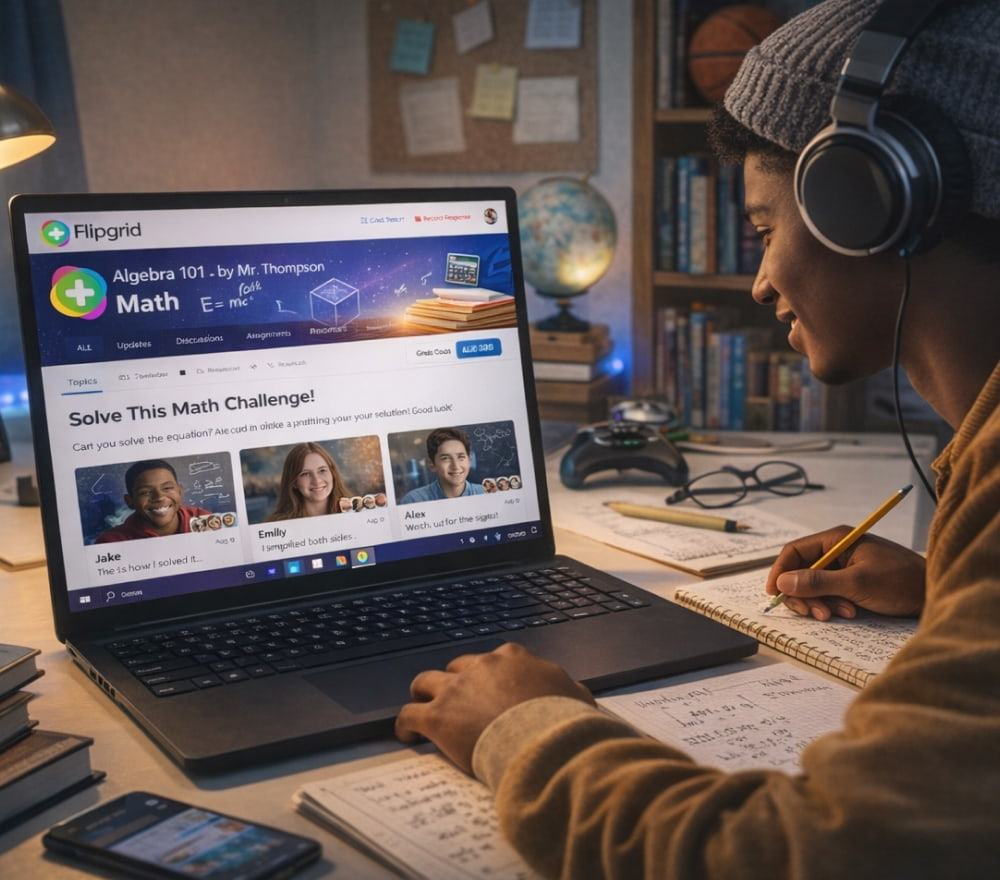
Download Flip for Free & Install on Windows
Get AppVideo replies can turn quiet prompts into real conversation, especially when learners can record, re-record, and share at their own pace. For many classrooms and clubs, Flipgrid for free has long been the simplest way to capture short reflections, speaking practice, and peer feedback without raising costs.
However, the platform has changed in a big way: Microsoft retired the standalone Flip website and mobile apps by September 30, 2024, and pushed core functionality into Microsoft Teams for Education.
Quick Clarity: Flipgrid, Flip, and Teams
- Flipgrid was the original name many educators still use out of habit.
- Flip was the rebrand, and the standalone service later shut down.
- Teams for Education is where Microsoft positioned the remaining Flip-style video discussion features.
In other words, a simple “open the Flipgrid site” workflow may not apply anymore, depending on your setup and your institution’s Microsoft access.
How to Access the Flip-Style Experience at No Cost
If you’re trying to recreate classic Flipgrid routines (weekly check-ins, book talks, lab demos, language practice), your best starting point is to confirm whether your school or organization uses Teams for Education. When people say they want to download Flipgrid for free, what they usually need today is a free Microsoft Teams install plus the education tools that replaced the standalone Flip experience.
- Sign in with your school-provided Microsoft account (often managed by your IT admin).
- Create a class/team space for learners.
- Use the integrated video discussion workflow (assignments/posts) to collect responses.
- Set clear expectations: length, rubric, and whether replies are public to the class or moderated.
Tip: Structure prompts like “Claim + Evidence + Reflection” to reduce rambling and make peer replies more meaningful.
What About the Old App and Website?
Many guides online still describe the classic approach, but Microsoft’s retirement of the standalone service means the “old way” may not be available anymore. For anyone searching Flipgrid download for free, it helps to treat that phrase as shorthand for “access the Flip-like tools now housed in Teams,” rather than expecting the previous Flip.com/Flipgrid app experience.
If you previously stored important student videos, note that Microsoft communicated deadlines around viewing/saving content as the shutdown approached, and some users later reported discovering access issues after those dates.
Safe Use Checklist for Educators and Facilitators
- Privacy first: avoid asking learners to share personal data in recordings.
- Consent matters: confirm your local policy for student video and parent/guardian permission.
- Moderation plan: decide whether posts require approval before others can view.
- Accessibility: provide alternatives (audio-only, captions, or script submissions) when needed.
When someone asks for the free Flipgrid app, they’re often really asking for a lightweight mobile workflow for quick student recording; today that frequently means using Teams on mobile with the right class settings and posting structure.
Classroom Workflows That Still Translate Well
| Goal | Prompt format | Best practice |
|---|---|---|
| Speaking confidence | 30–60 sec “one idea” response | Allow 2 retakes, require 1 peer reply |
| Concept checks | Explain a step + common mistake | Pin an exemplar response for the class |
| Project updates | Progress + obstacle + next move | Use a simple rubric (clarity, evidence, timing) |
| Reflection | What changed in your thinking? | Require 1 specific example, not a summary |
Troubleshooting: Common Issues and Quick Fixes
- Students can’t post: verify account type, permissions, and whether the assignment/channel allows replies.
- Videos won’t upload: try a different network, reduce resolution, or switch browsers/devices.
- Audio is missing: confirm microphone permissions at the OS and browser/app level.
- Links don’t open for everyone: check whether the space is limited to your organization.
If your goal is simply a free Flipgrid download, the realistic “free” path in 2026 is usually to install Teams at no cost and rely on whatever Flip-style components your organization has enabled.
What to Do if You Don’t Use Microsoft Teams
Some educators lost access when the standalone service ended and looked for replacements that support short, threaded video responses. Articles and teacher communities have compiled alternatives specifically because the independent Flip/Flipgrid site and apps ended in 2024.
When people search Flipgrid app free to download, they may be comparing options that keep the “video prompt + student replies + moderation” pattern but don’t require a Microsoft ecosystem.
Mini FAQ
Is it still free?
The standalone tool was retired, but Microsoft positioned core functionality within Teams for Education, which may be available at no additional cost for many schools.
Can I still retrieve old videos?
Microsoft communicated a window to view and save content around the shutdown timeline, and users later reported trouble accessing accounts after key dates, so recovery may be limited.
Should I trust random Flipgrid download sites?
For safety and privacy, stick to official Microsoft channels for Teams and school-managed access, especially when student data is involved.
Bottom line: you can still run lively video discussions without paying, but the workflow now depends on Teams for Education or a well-chosen alternative that matches your privacy and moderation needs.